

Table of Contents (TOC)
Introduction
The best free AutoCAD alternative is a choice between FreeCAD, LibreCAD, Onshape, Fusion 360, and nanoCAD depending on your needs. Design engineers must balance drafting and solid modeling workflows, cross‑CAD file compatibility, team collaboration, and ongoing costs when replacing AutoCAD. This comparison evaluates workflow fit, file import/export, learning curve, platform support, and pricing to help you pick the right tool for 2D drafting, parametric modeling, or collaborative cloud workflows.
Decision Snapshot: FreeCAD and Onshape fit parametric 3D design and assemblies with robust constraint systems. LibreCAD and nanoCAD mirror AutoCAD-style 2D drafting and DWG compatibility for fast production work. Fusion 360 targets integrated CAD/CAM workflows and simulation for product development. Choose cloud collaboration for distributed teams, desktop parametric modeling for detailed engineering, or lightweight 2D tools for documentation and legacy DWG support.
Best CAD Software by Use Case
- Best Overall: FreeCAD — most complete open-source parametric modeler for complex mechanical and assembly work
- Best for Beginners: LibreCAD — minimal 2D drafting interface that accelerates learning and produces DWG-like drawings
- Best for Professionals: Onshape — cloud-native CAD with version control and real-time collaboration for engineering teams
- Best Free Option: nanoCAD — AutoCAD-style drafting environment with strong DWG compatibility and no-cost basic licensing
| Software | Best For | Difficulty | Price | Platform | Quick Take | Action |
|---|---|---|---|---|---|---|
| FreeCAD | Open-source parametrics | Moderate | Free | Windows, macOS, Linux | ✓ Extensible with plugins ✗ UI and polish vary |
View Review |
| LibreCAD | Simple 2D CAD workflows | Easy | Free | Windows, macOS, Linux | ✓ Fast for 2D tasks ✗ Not suitable for 3D modeling |
View Review |
| Onshape | Distributed teams & version control | Moderate | Subscription | Web, mobile | ✓ Excellent collaboration features ✗ Enterprise pricing for full feature set |
View Review |
| Fusion 360 | Prototyping and CAM | Moderate | Subscription / Free for hobbyists | Windows, macOS | ✓ Strong CAM integration ✗ Cloud dependency for some features |
View Review |
| nanoCAD | AutoCAD-like drafting | Easy | Free / Paid Pro | Windows | ✓ Familiar command set ✗ Fewer advanced CAD features |
View Review |
FreeCAD
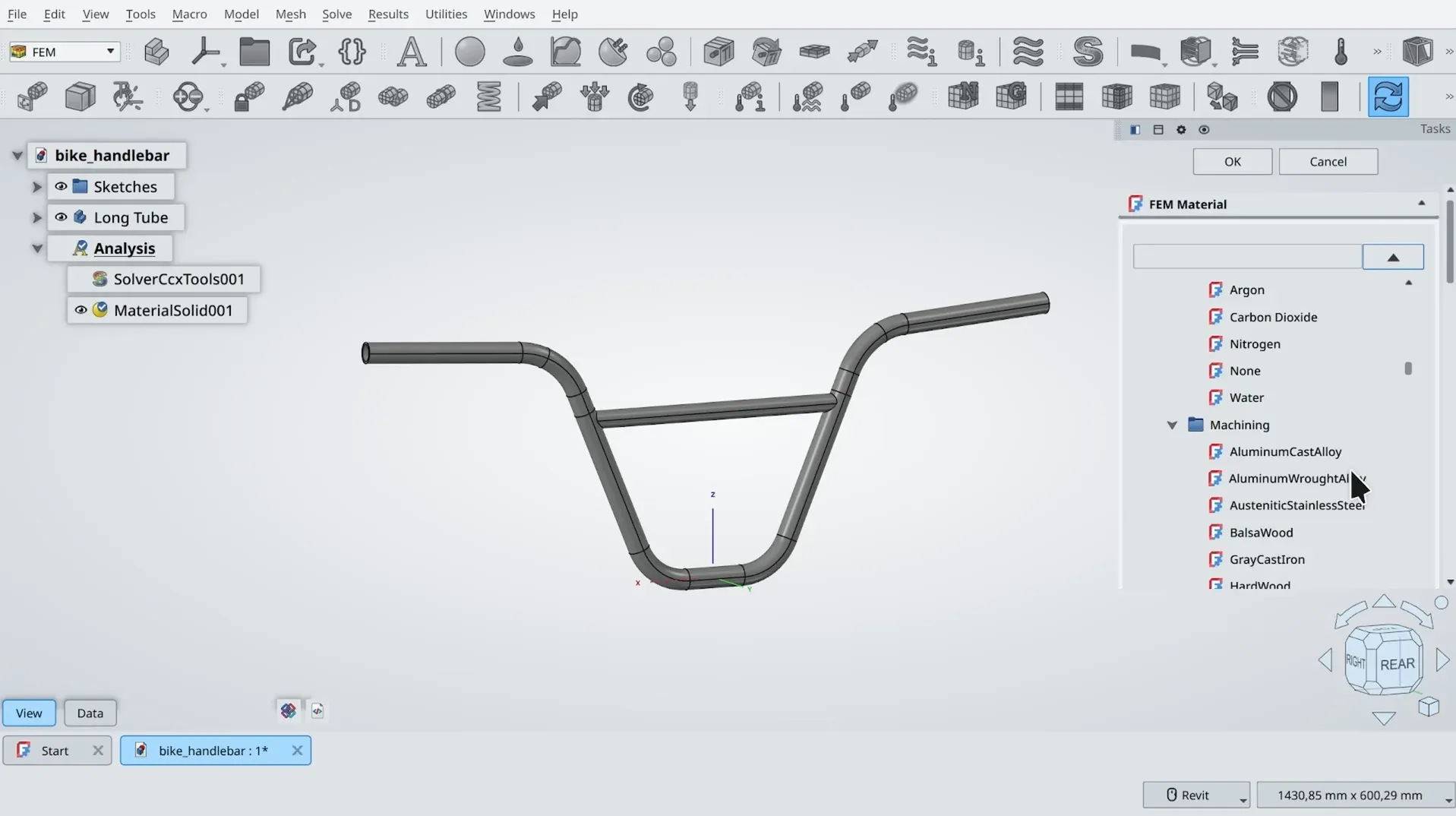
FreeCAD’s strongest differentiator is its fully parametric, extensible workbench architecture combined with a Python API. This enables engineers to embed design intent, automate repetitive modeling tasks, and create custom scripts for batch geometry generation. In practice that means models can be driven from spreadsheets or scripts, geometry updates propagate through feature trees, and bespoke workflows integrate with local CI/CD for parts libraries. File exchange relies on STEP/IGES for solids and STL for meshes; native DWG support is limited and typically requires external converters, creating a trade-off versus cloud CADs like Onshape or turnkey packages such as Fusion 360.
For day-to-day drafting and BIM workflows the modular workbenches (Part, PartDesign, Draft, Arch) cover many engineering design tools needs, but there are concrete technical limitations. The UI has inconsistent behavior across workbenches, assembly handling is immature for very large assemblies, boolean robustness can fail on complex topology, and native 2D documentation is less polished than traditional CAD software. Interoperability requires extra validation steps and manual cleanup when targeting production CAM or BIM platforms. Best For: Engineers needing parametric, scriptable CAD with local control
Pricing: Free / Open-source
- Parametric, scriptable modeling
- Wide format support via plugins
- Good for custom automation
| Pros ✓ Parametric feature tree ✓ Python API and macros ✓ Open-source and local control |
Cons ✗ Weak native DWG export ✗ Assembly performance limits ✗ Inconsistent UI/workbench behavior |
Explore more:
LibreCAD
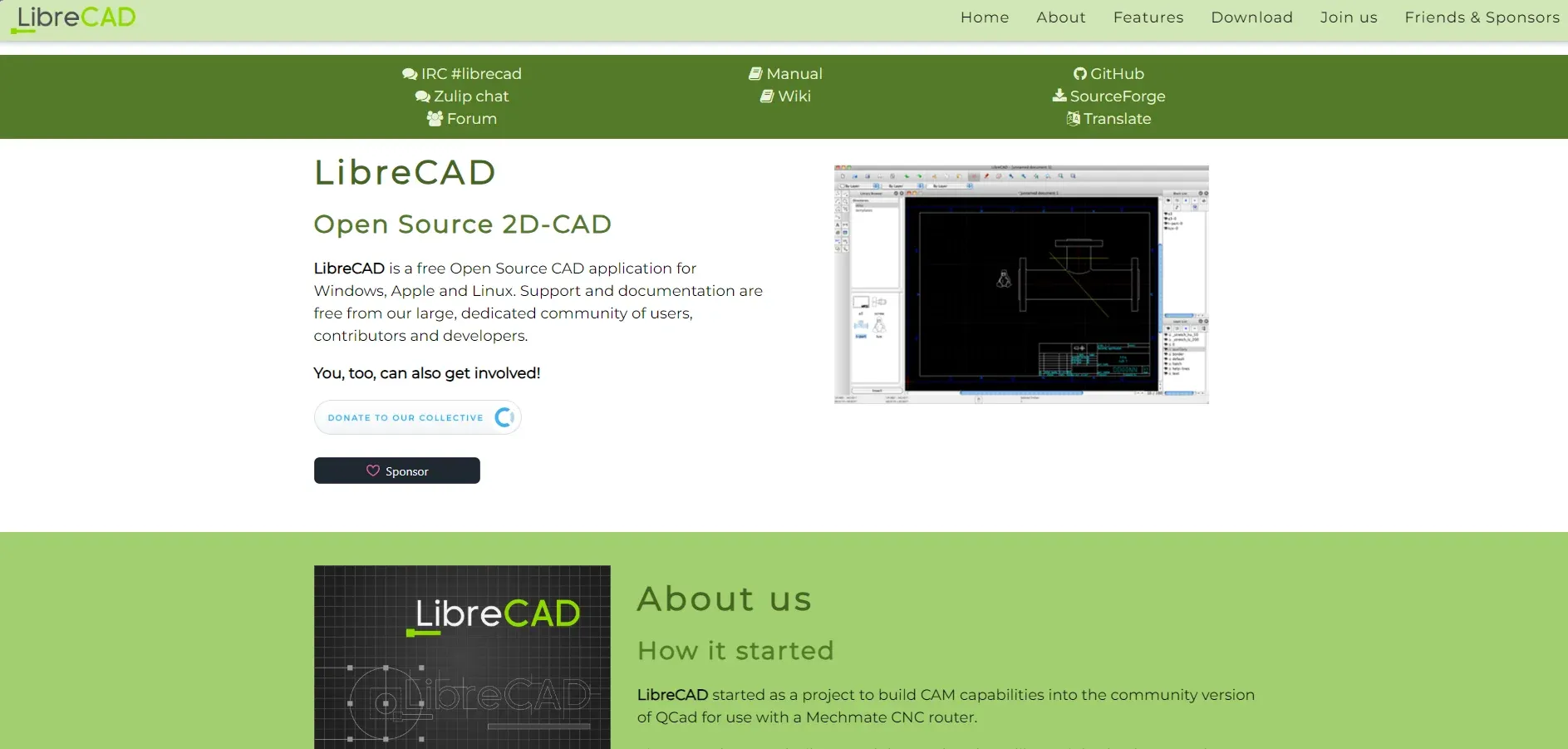
LibreCAD’s strongest differentiator is its lightweight, focused 2D DWG/DXF engine that runs reliably on low-spec hardware and Linux. That makes it effective as a dedicated drafting tool for engineers who need consistent, scriptable 2D output without the overhead of full CAD platforms. The engine produces clean DXF exports and supports LISP-like plugins and command-line batch printing, which simplifies automation in documentation pipelines and CI environments for projects that separate 2D deliverables from 3D modeling.
In practical workflows LibreCAD fits into mixed environments as the final drafting and markup stage. Engineers model in FreeCAD, Onshape, or Fusion 360 then export flattened DXF/DWG for dimensioned drawings and shop files. File exchange is straightforward for basic geometry, layers, and polylines, but expect manual cleanup for blocks, Xrefs, and advanced hatch patterns from other CAD software. LibreCAD integrates with version control for text-based DXF revisions but lacks native BIM workflows or 3D object intelligence common to BIM software.
Technical limitations include no native 3D modeling, limited annotation styles, no native DWG write support without converters, and a smaller plugin ecosystem than commercial CAD software. Best use case is producing consistent 2D construction drawings and CNC-ready DXF exports on resource-constrained systems. Best For: Engineers needing lightweight 2D drafting
Pricing: Free
- Fast, low‑resource 2D CAD
- Clean DXF/DWG-focused output
- Scriptable batch workflows
| Pros ✓ Lightweight and fast ✓ Good DXF export ✓ Runs on Linux |
Cons ✗ No 3D modeling ✗ Limited annotation tools ✗ DWG write via converter |
Explore more:
Onshape
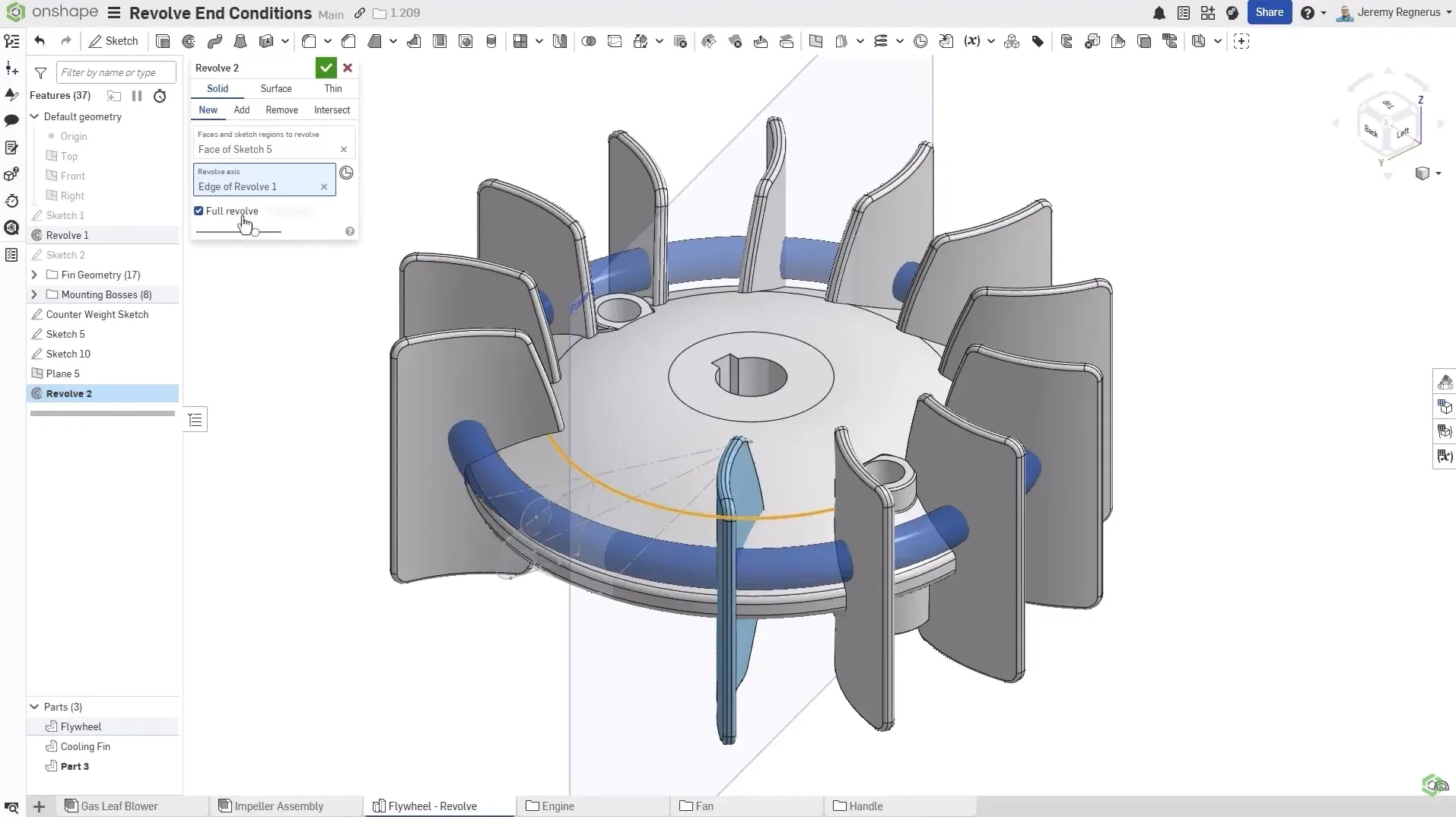
Onshape’s strongest differentiator is its full-cloud, browser-native CAD platform with version-controlled, multi-user concurrent editing. This changes engineering workflows by removing file locking and manual file exchange; teams work on a single source of truth with real-time merges and granular history. For design engineers collaborating across sites this reduces time lost to export/import cycles and simplifies PDM compared to desktop CAD tools. The platform integrates with CI/CD-style automation via FeatureScript and REST APIs, enabling scripted part generation, automated drawing updates, and downstream BOM extraction for manufacturing pipelines.
In practice Onshape streamlines modeling, drafting, and release processes for distributed teams. Native DWG/DXF export and STEP/IGES translators cover interoperability but expect heavier reliance on cloud connectors for BIM workflows where Revit-native data is required. Technical limitations include limited offline capability, constrained large-assembly performance relative to optimized local workstations, and less mature CAM plugin ecosystem than Fusion 360. Advanced surface modeling nuances may frustrate high-end surfacing needs. The platform requires adapting IT policies for cloud CAD and consideration of data residency.
Best use case: collaborative mechanical design and concurrent engineering with automated release pipelines. Best For: Distributed engineering teams needing cloud CAD
Pricing: Subscription-based (mid to premium tiers)
- Real-time multi-user CAD
- Built-in version control
- Cloud-native automation
| Pros ✓ Concurrent editing ✓ Strong API/automation ✓ No local installs |
Cons ✗ Requires internet ✗ Large assemblies lag ✗ Limited CAM ecosystem |
Explore more:
Fusion 360
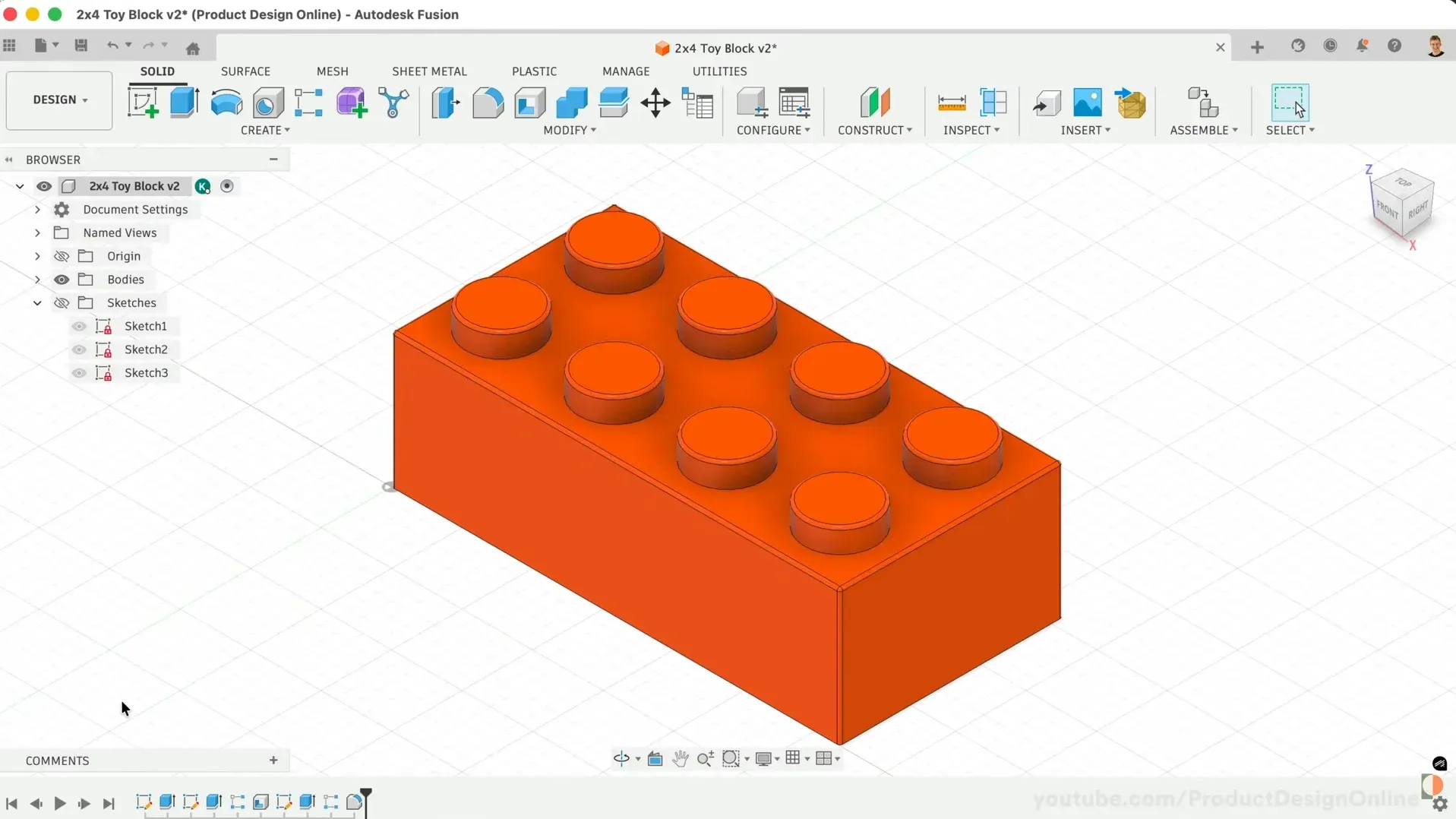
Fusion 360’s strongest differentiator is its integrated cloud-native CAD/CAM/CAE platform that merges parametric modeling, simulation, and toolpath generation in one environment. This tight integration reduces context switching during iterative design cycles and keeps versioning and data management consistent across teams. For day-to-day engineering workflows it means native export to STEP/IGES for downstream suppliers, direct post-processing for CNC operations, and scriptable automation via the API for batch drawing exports and BOM generation. Collaboration tools simplify file exchange compared with local-only CAD software but require cloud sync for real-time multiuser editing.
In practice the combined toolchain accelerates prototype-to-machine handoff and shortens revision loops. Modeling and drafting workflows benefit from linked simulation studies that feed geometry changes back into part design. Interoperability with pure 2D CAD and BIM workflows is functional but not seamless; expect manual clean-up when moving complex assemblies into BIM-centric tools. Technical limitations include reliance on cloud services for full collaboration features, constrained offline capabilities, and a steeper UI for pure 2D drafting compared with lightweight CAD software. Licensing terms restrict free use to hobbyists, students, and qualifying startups which is a trade-off against completely free alternatives. Best For: Small teams needing integrated CAD/CAM/CAE
Pricing: Subscription-based (free tiers limited)
- Integrated CAD/CAM/CAE
- Cloud collaboration and versioning
- Strong automation API
| Pros ✓ End-to-end toolchain ✓ Strong CAM integration ✓ Cloud version control |
Cons ✗ Cloud dependency ✗ Limited offline use ✗ Not ideal for 2D drafting |
Explore more:
nanoCAD
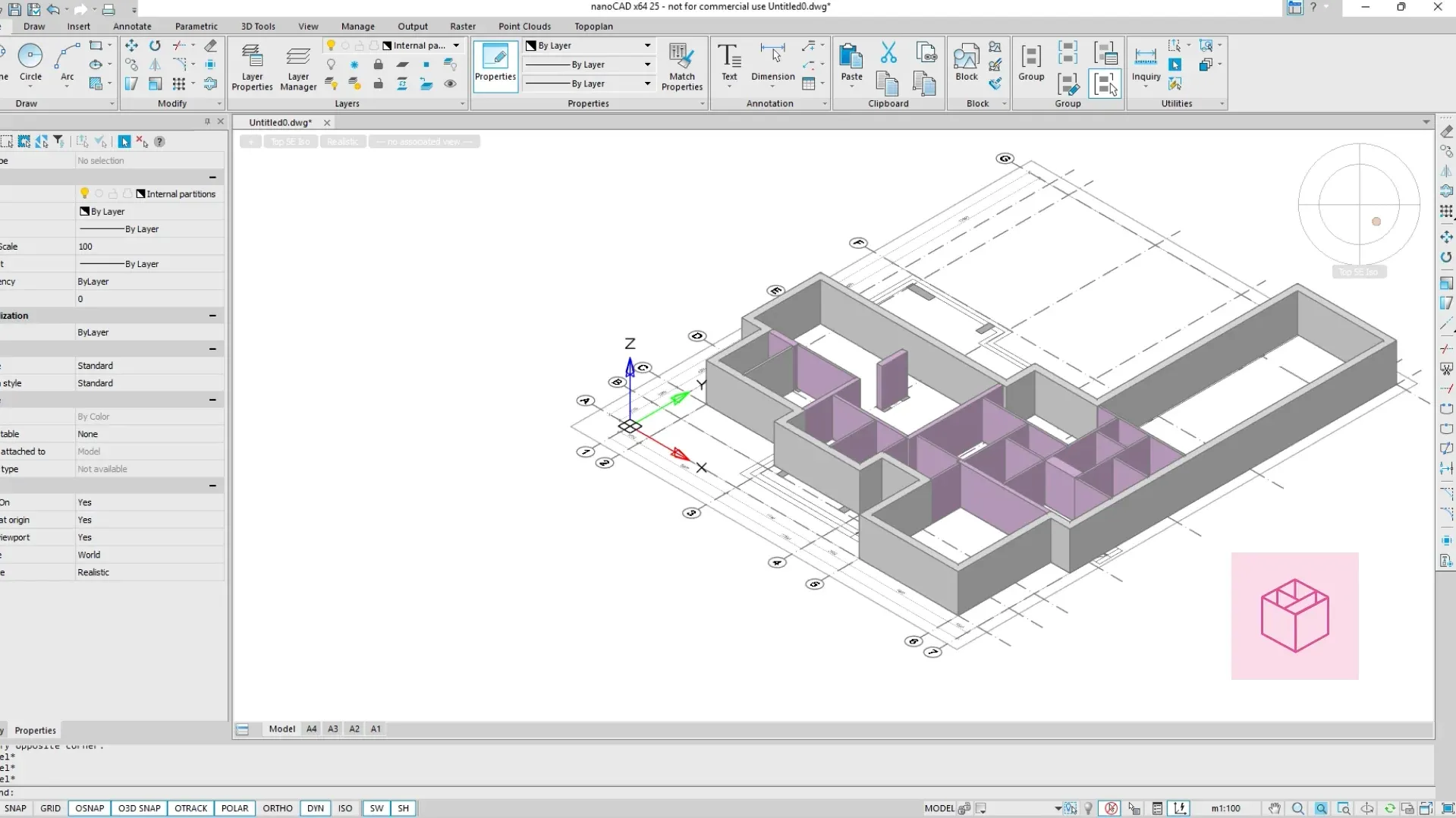
nanoCAD’s strongest differentiator is its native DWG compatibility combined with an AutoCAD-like UI and scriptable API. This lets engineering teams open, edit, and save DWG files without translation steps and reuse existing LISP routines and .NET automation to preserve established drafting automation and block libraries.
In practice this reduces handoff friction for 2D drafting and detail workflows. File exchange with suppliers and contractors stays direct, minimizing XREF breakage. Built-in tools cover standard CAD software tasks: layer management, parametrized blocks, and 2D annotation workflows. The API supports automating batch plotting and custom BOM extraction which keeps release and drawing generation consistent across projects. Compared to cloud-first tools like Onshape, nanoCAD keeps data local, simplifying offline factory workflows but limiting concurrent web-based collaboration.
Technical limitations are clear. The product is Windows-centric with no native macOS or full web client. Its 3D modeling and freeform surface toolset are limited versus Fusion 360 or FreeCAD. There is no integrated BIM module, so multidisciplinary BIM workflows require exports and external tools. Third-party plugin ecosystem is smaller than mainstream CAD vendors, which increases custom development for niche automation. Best For: Small-to-mid engineering teams needing DWG-native drafting
Pricing: Mid-tier / Subscription-based
- Direct DWG compatibility
- AutoCAD-like automation
- Local, offline workflows
| Pros ✓ Native DWG read/write ✓ Familiar UI and LISP/.NET ✓ Reliable 2D drafting tools |
Cons ✗ Windows only ✗ Limited 3D/BIM tools ✗ Smaller plugin ecosystem |
Explore more:
Conclusion
These tools differ mainly by 2D vs 3D emphasis, parametric depth, collaboration, and DWG interoperability. FreeCAD excels for robust parametric 3D modeling and scripting. Onshape suits professional teams needing cloud-native collaboration and version control. LibreCAD and nanoCAD are lightweight choices for fast 2D drafting and DWG-centric production work. Fusion 360 provides an integrated CAD/CAM path useful to makers and mixed-mode workflows.
For most engineers, FreeCAD is the best free AutoCAD alternative thanks to its powerful parametric modeling, flexibility, and open-source nature. Ultimately, choosing the right free CAD software depends on your workflow: use parametric CAD for parts and assemblies, 2D CAD tools for drawings, and cloud-based AutoCAD alternatives for team collaboration.
FAQ
Which program is the best free AutoCAD alternative for general engineering work?
For general engineering tasks the article highlights FreeCAD as the best free AutoCAD alternative overall because of its parametric modeling, extensibility, and broad feature set for both 2D and 3D workflows compared to LibreCAD, Onshape, Fusion 360, and nanoCAD.
Which tool fits a cloud-based collaborative CAD workflow?
Onshape is the recommended fit for cloud-first collaborative workflows: it provides real-time multi-user editing, version control, and browser access, unlike the primarily desktop-focused FreeCAD, LibreCAD, Fusion 360, or nanoCAD discussed in the guide.
Which option is easiest to start with for simple 2D drafting and DWG compatibility?
LibreCAD and nanoCAD offer the lowest barrier for 2D drafting. LibreCAD is lightweight for basic 2D work, while nanoCAD emphasizes DWG compatibility and an AutoCAD-like interface, making transitions easier for users focused on 2D drawings.
How do these programs compare in cost and long-term value?
The article compares free tiers versus paid upgrades: FreeCAD and LibreCAD are open-source with no licensing fees, Onshape and Fusion 360 offer free plans for qualifying users but require subscriptions for full features, and nanoCAD provides a free version with paid professional options.
Which of these tools is best suited for mechanical design or parametric modeling?
FreeCAD and Fusion 360 are best for mechanical and parametric design: FreeCAD offers robust parametric features and scripting, while Fusion 360 provides integrated CAM and simulation in its platform—Onshape also supports parametric modeling but as a cloud service.