
Table of Contents (TOC)
Introduction
The best CAD software for mechanical engineers is SolidWorks, Autodesk Inventor, Siemens NX, PTC Creo, or Fusion 360 depending on your workflow and scale. Mechanical engineers face choices around parametric modeling, multi-CAD compatibility, simulation integration, licensing cost, and collaborative CAD-to-CAM workflows. This comparison evaluates workflow fit, file compatibility, pricing model, learning curve, and typical use case to help you match software to part complexity, assembly scale, and manufacturing requirements.
Decision Snapshot: SolidWorks and Inventor suit everyday parametric design and assembly work for medium-sized teams. Siemens NX and PTC Creo handle complex surfacing, high-end simulation, and large-assembly management for advanced engineering departments. Fusion 360 targets startups and hobbyists with cloud collaboration, integrated CAM, and lower cost. Choose based on part complexity, multi-CAD needs, simulation depth, and budget constraints.
Best CAD Software by Use Case
- Best Overall: SolidWorks — balanced parametric modeling, large ecosystem, strong assembly and drawing workflows.
- Best for Beginners: Fusion 360 — intuitive interface, cloud collaboration, integrated CAM, low-cost subscription option.
- Best for Professionals: Siemens NX — advanced surfacing, robust simulation integration, excels in large assembly management.
- Best Free Option: Fusion 360 — free for startups and hobbyists with core CAD and CAM capabilities.
| Software | Best For | Difficulty | Price | Platform | Quick Take | Action |
|---|---|---|---|---|---|---|
| SolidWorks | Mid-size to large mechanical design | Intermediate | Commercial | Windows | ✓ Robust parametric modeling & ecosystem ✗ Expensive licensing for startups |
View Review |
| Autodesk Inventor | Manufacturing and product design | Intermediate | Subscription | Windows | ✓ Strong assembly and tooling features ✗ Less third-party ecosystem than SolidWorks |
View Review |
| Siemens NX | High-end engineering and complex products | Advanced | Enterprise | Windows / Linux | ✓ Scalable for large assemblies & advanced simulation ✗ High cost and steep learning curve |
View Review |
| PTC Creo | Parametric and direct modeling flexibility | Advanced | Commercial / Subscription | Windows | ✓ Powerful hybrid modeling and industry tools ✗ UI can feel dated; licensing complex |
View Review |
| Fusion 360 | Startups, education, and rapid prototyping | Beginner to Intermediate | Free tiers / Subscription | Windows / macOS / Cloud | ✓ Integrated CAD/CAM/CAE with cloud collaboration ✗ Not as robust for very large assemblies |
View Review |
SolidWorks
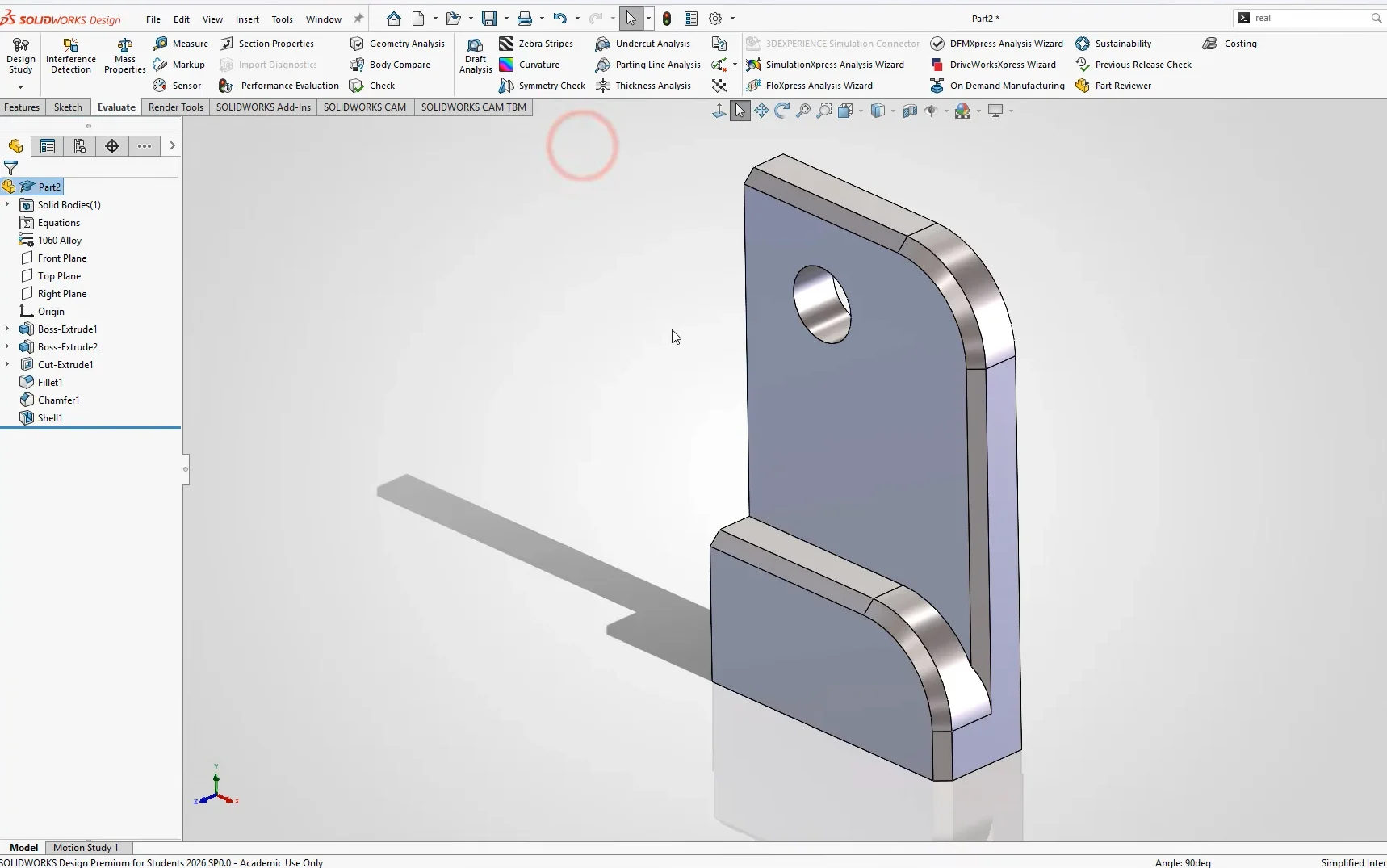
SolidWorks’s strongest differentiator is its mature, parametric feature-based modeling combined with a wide, stable API that supports C# and VBA automation across design and BOM workflows. This enables scripted part families, automated drawing generation, and custom PDM hooks that plug into engineering release processes without brittle workarounds. File exchange workflows use native SLDPRT/SLDASM and mature translators for STEP/IGES/Parasolid which keeps data fidelity high when handing off to CAM or analysis teams.
The practical impact is predictable: designers can build robust part templates, drive large design tables, and auto-generate manufacturing drawings with linked revision data. Integration with PLM and common CAM toolchains is straightforward. For mechanical engineers comparing CAD software, SolidWorks balances ease of use in drafting and assembly modeling with programmatic automation that accelerates repetitive tasks and BOM-driven downstream processes. The best CAD software for mechanical engineers decision point is trade-offs in extreme-scale use and surface modeling compared to high-end systems.
Technical limitations include degraded performance on very large assemblies without extensive top-down optimization, Windows-only native support, and heavy licensing costs for full PDM and Simulation toolsets. Native freeform surfacing and synchronous modeling are less advanced than some competitors.
Best For: Mid-to-large engineering teams needing parametric CAD with automation
Pricing: Premium / Subscription-based
- Stable parametric modeling
- Strong API and automation
- Good translator ecosystem
|
Pros ✓ Mature parametrics ✓ Robust API ✓ Good drawing tools |
Cons ✗ Windows-only ✗ Large-assembly lag ✗ Costly add-ons |
Autodesk Inventor
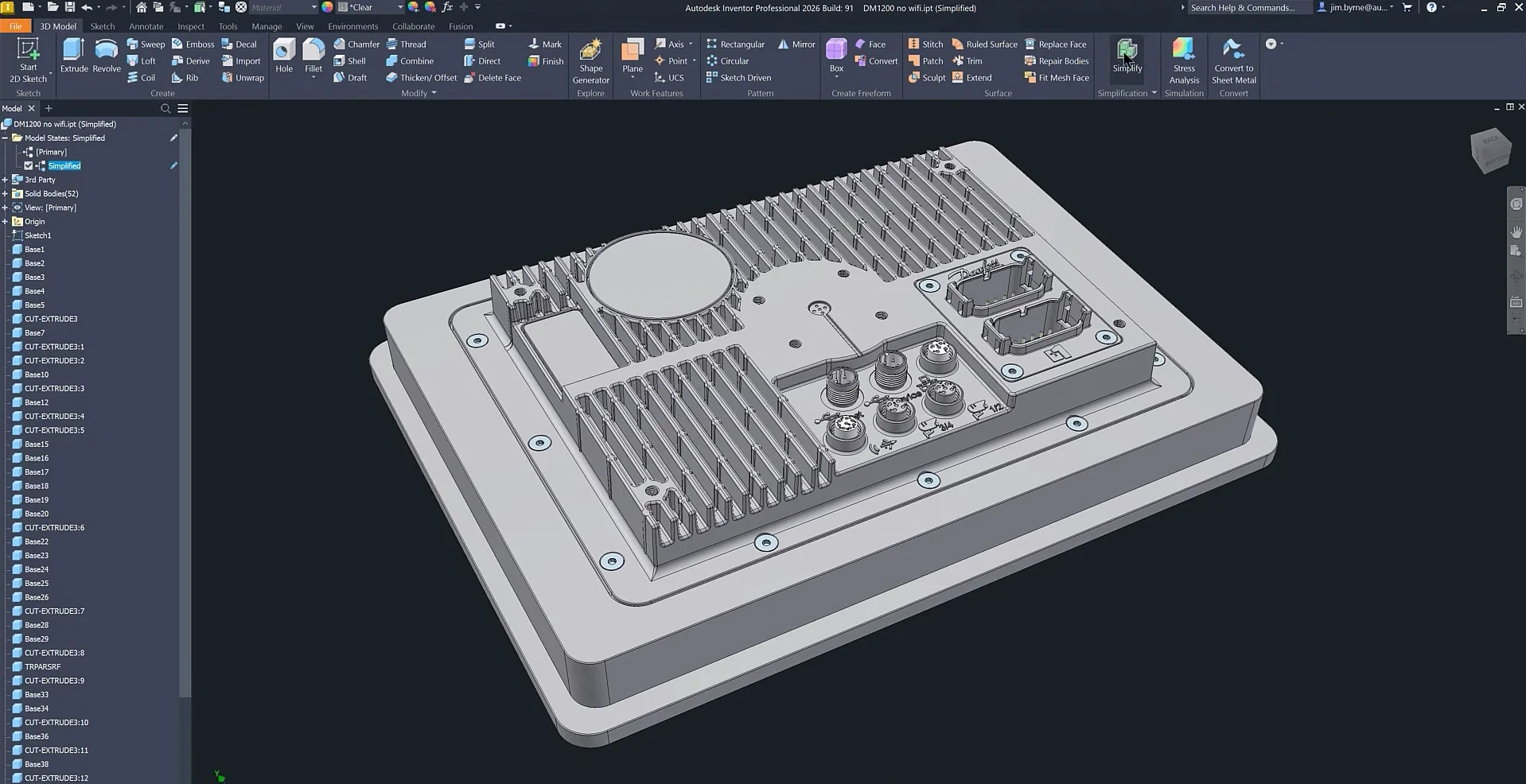
Autodesk Inventor's strongest differentiator is its associative part-assembly-drawing pipeline with robust iLogic automation. The native parametric model tree and iLogic rules let teams encode design intent and automate repetitive updates across parts, assemblies, and 2D fabrication drawings. This reduces manual file edits during design iterations and speeds BOM updates in multi-CAD exchanges.
Inventor affects practical workflows by streamlining CAD software tasks commonly found in mechanical engineering. File exchange via Inventor's IPT/ IAM with STEP/IGES export is reliable for downstream CNC and FEA, though direct interoperability with Siemens NX or PTC Creo requires neutral formats or third-party translators. Automation with iLogic and API scripting improves batch drawing updates and custom tolerance checks. Modeling supports complex sheet metal and frame design. Drafting integrates model-driven annotations, which shortens release cycles compared with purely manual 2D workflows.
Technical limitations include heavier memory use on large assemblies, limited hybrid direct-editing compared with Fusion 360, and less mature synchronous modeling compared with Siemens NX. Large multi-CAD environments may need translation tools to avoid feature loss. The learning curve for advanced iLogic scripts can slow initial deployment.Best For: Mid-to-large mechanical teams needing parametric automation
Pricing: Subscription-based / Mid-tier to Premium
- Strong parametric and automation
- Model-driven drafting and BOMs
- Good sheet metal tools
| Pros ✓ Robust iLogic automation ✓ Associative drawings ✓ Reliable sheet metal ✓ Strong BOM control |
Cons ✗ Heavy on memory ✗ Weaker direct editing ✗ Translation losses with NX |
Siemens NX
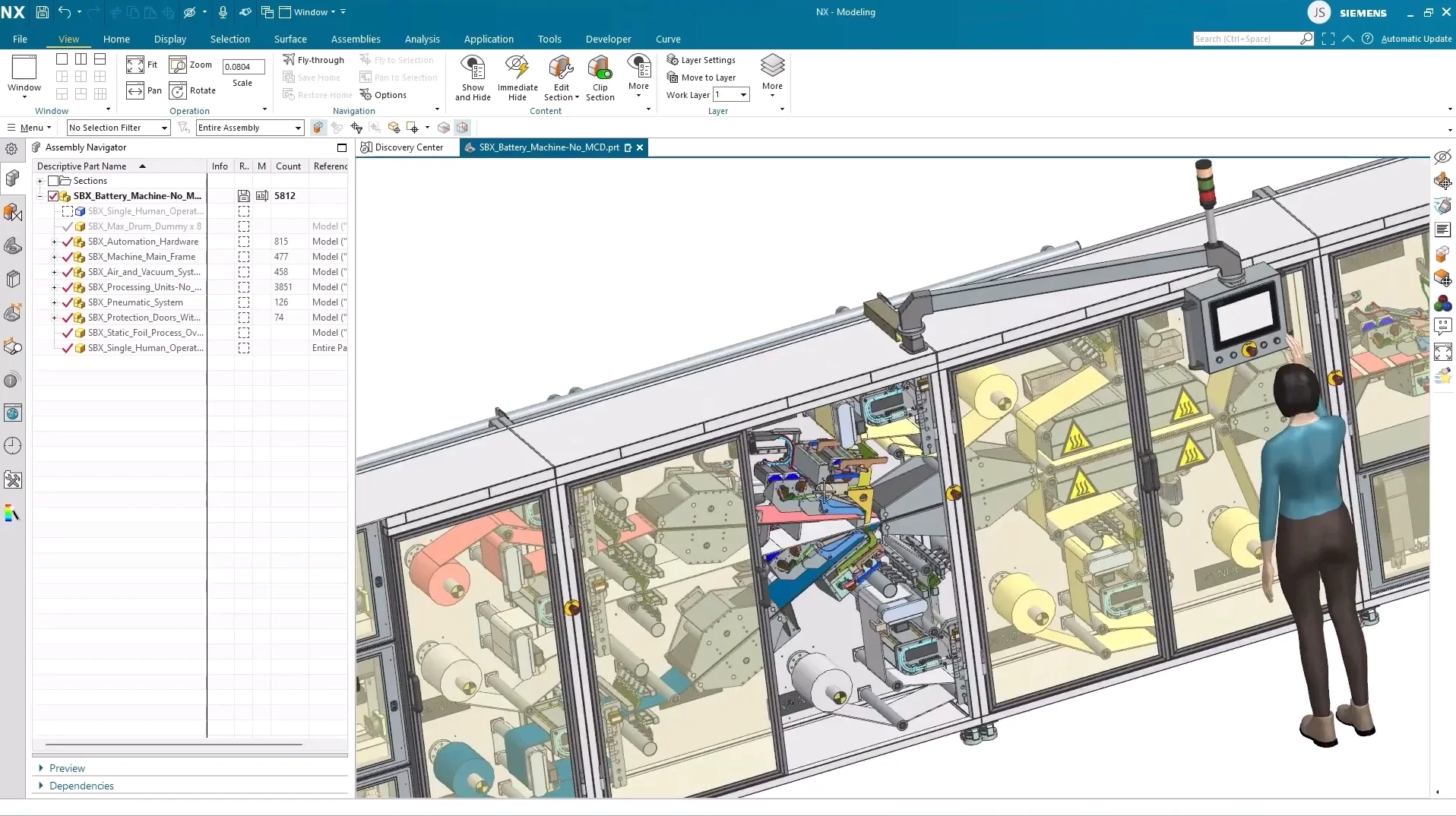
Siemens NX’s strongest differentiator is its integrated high-fidelity parametric and synchronous modeling kernel combined with native CAX automation. That unified kernel enables direct edits, complex surface modeling, and associative drafting inside a single session, which streamlines multi-discipline CAD, CAM, and CAE handoffs and reduces file exchange steps in complex assemblies. In practice this tight integration accelerates iteration loops: design changes propagate to manufacturing setups and simulation fixtures with fewer neutral-translations and less manual rework.
The platform changes practical workflows by enabling heavy automation via journaling, NX Open (C#/Python), and knowledge templates that enforce corporate standards during modeling and drafting. Interoperability with STEP, JT, and Parasolid is robust, but expect significant IT overhead. Technical limitations include a steep learning curve for junior engineers, large installation and memory requirements, lengthy customization projects that need expert consultants, and higher licensing cost compared with SolidWorks or Fusion 360. Cloud-native collaboration lags consumer-focused tools and out-of-the-box PLM integration requires additional modules.Best For: Large engineering teams needing integrated CAD/CAM/CAE
Pricing: Premium / Subscription-based
- High-fidelity modeling and automation
- Strong interoperability for enterprise workflows
- Steep learning curve and IT overhead
| Pros ✓ Unified modeling kernel ✓ Advanced automation APIs ✓ Enterprise interoperability |
Cons ✗ Steep learning curve ✗ High hardware demands ✗ Premium licensing cost |
PTC Creo
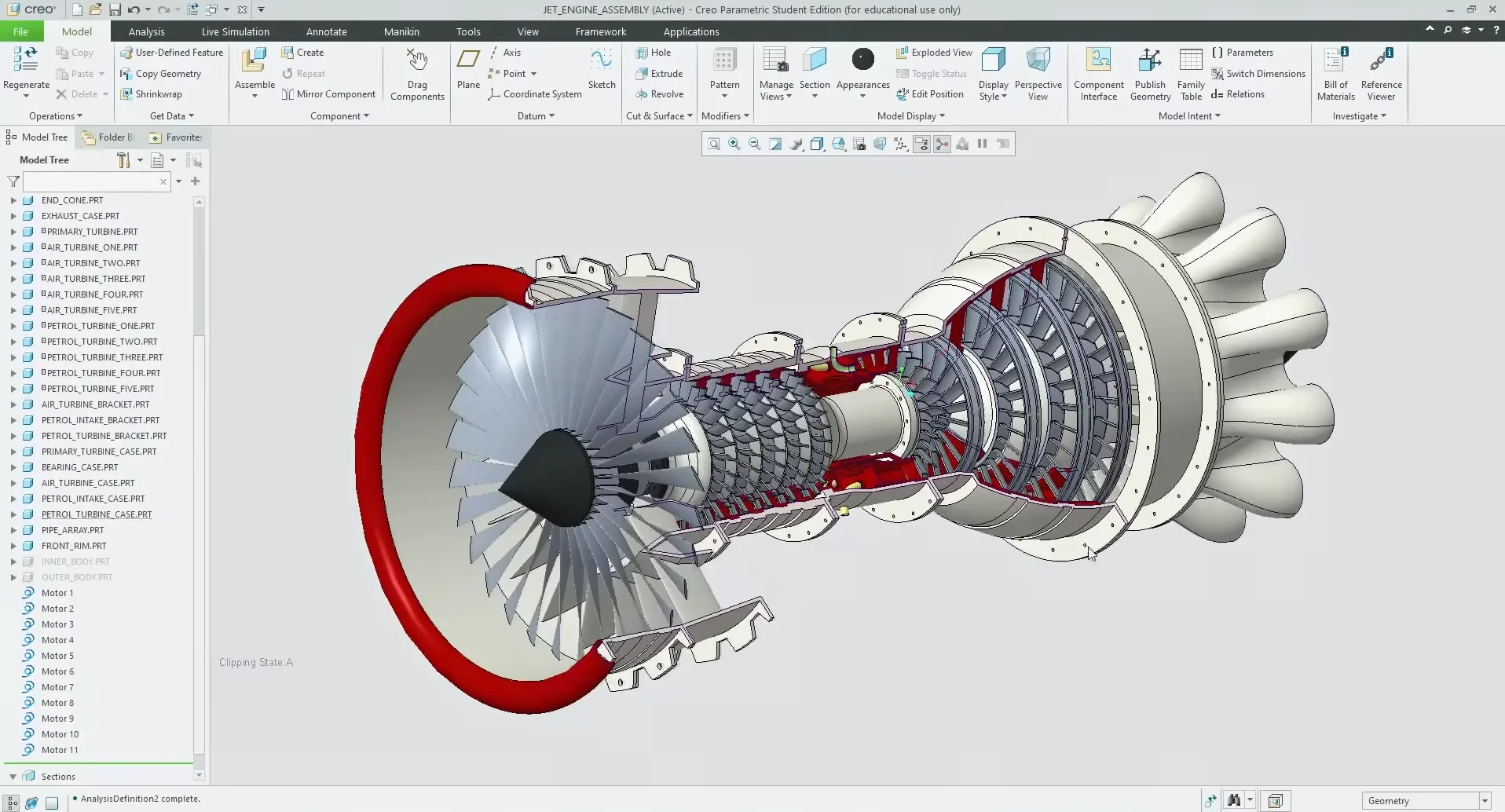
PTC Creo's strongest differentiator is its robust parametric/associative modeling combined with flexible direct modeling in a single environment. The mixed-modeling approach keeps feature history for large assemblies while allowing rapid edits without history constraints. That affects file exchange and automation: engineers can maintain master parametric models for controlled parts and use direct edits for supplier geometry or legacy neutral formats, reducing CAD translation loops and downstream rework in BIM workflows or PLM integrations.
The practical workflow impact shows up in assembly management, family table automation, and drawing generation. Creo's model tree and relations support complex design automation and programmatic updates via API/Toolkit and Creo Parametric tooling. Detail drawings are consistent with model-driven drafting and integrate with common engineering design tools, though interoperability with some competitor neutral formats may require export/translators. Compared to Siemens NX, Creo prioritizes parametric continuity over advanced surfacing and may lag in high-end freeform surfacing and CAM integration maturity.
Technical limitations include a steep learning curve for advanced parametrics, heavier license overhead for extensions, occasional performance degradation on extremely large assemblies without topology simplification, and limited cloud-native collaboration relative to fully cloud CAD. Best use case is enterprise mechanical teams needing rigorously controlled parametric models, automated family/table-driven parts, and PLM-centered production workflows; it fits well in mechanical engineering shops seeking the best CAD software for mechanical engineers where parametric control is critical.Best For: Large mechanical teams requiring parametric control and PLM integration
Pricing: Premium, subscription-based
- Strong parametric + direct modeling
- Robust automation and APIs
- Enterprise PLM alignment
| Pros ✓ Parametric integrity ✓ Mixed modeling flexibility ✓ Robust automation |
Cons ✗ Steep learning curve ✗ License cost high ✗ Large assembly performance |
Fusion 360
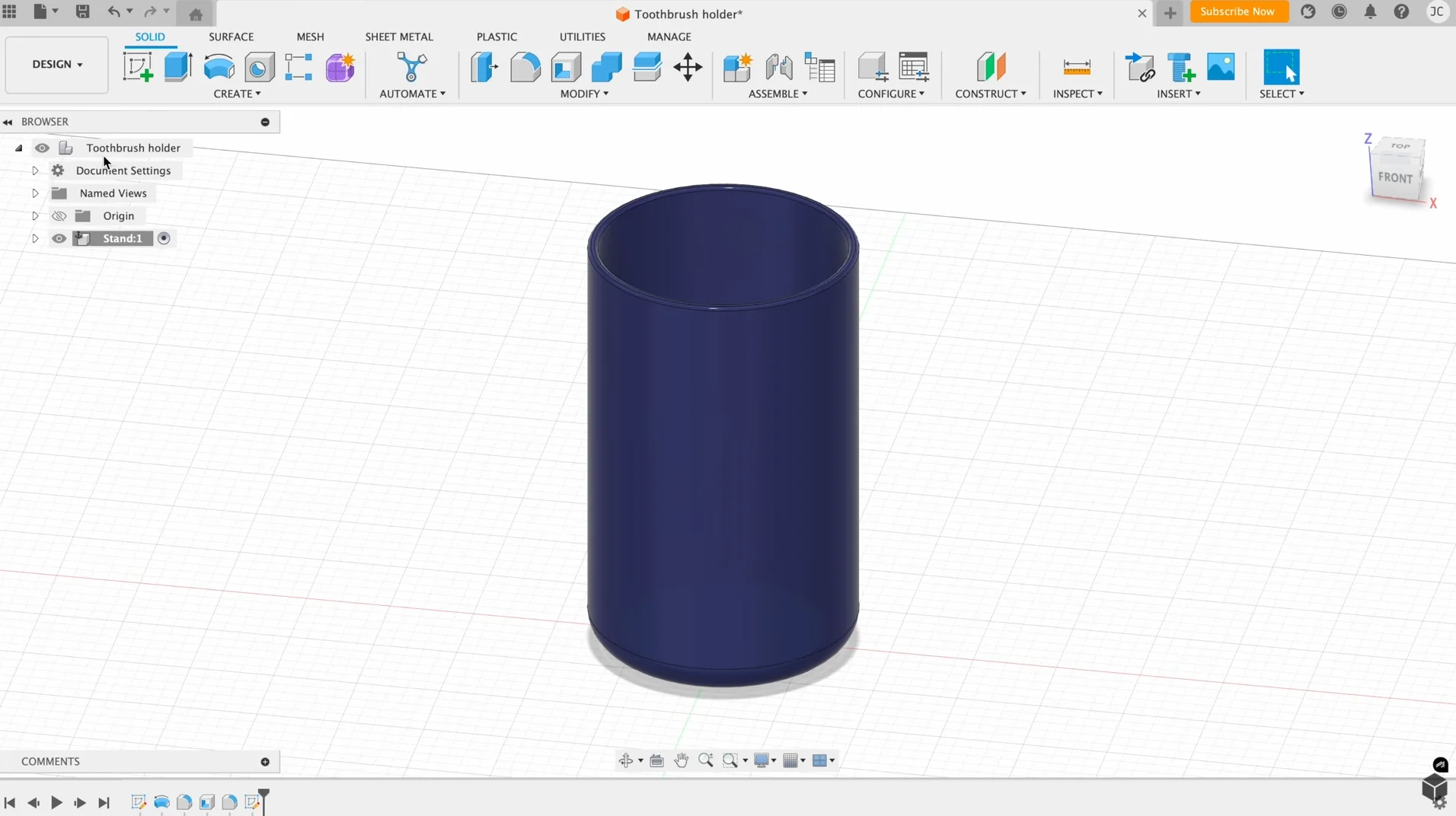
Fusion 360’s strongest differentiator is its tightly integrated cloud-based CAD/CAM/CAE platform that unifies parametric modeling, direct edit, and toolpath generation in one environment. This reduces context switching in mechanical design teams and accelerates iteration loops for parts that flow straight from concept modeling to CAM. As a result, collaborative file exchange is simplified through cloud projects and version history, automation via the REST API and local scripting is practical for repeatable families, and producing manufacturing-ready drawings and toolpaths stays in the same file tree. The streamlined exchange helps when evaluating options against competitors where separate CAM or PLM systems create handoff friction; Fusion trades deeper niche tools for smoother end-to-end cycles. This makes it a contender for teams seeking the best CAD software for mechanical engineers who also run in-house machining.
Technical limitations include slower performance with very large assemblies compared to Siemens NX, limited advanced surfacing for class-A surfacing tasks, and reliance on cloud services which complicates strict IT air-gap policies. Interoperability with heavy industry native formats can require frequent exports and occasional translation cleanup. Best used for compact to mid-sized assemblies, integrated CAD-to-CAM workflows, and startups or shops that value rapid iteration over ultra-complex surfacing or massive assembly management.
Best For: Small–mid engineering teams needing integrated CAD/CAM
Pricing: Subscription-based
- Single environment CAD/CAM/CAE
- Cloud collaboration and versioning
- APIs for automation and scripting
| Pros ✓ Integrated CAD and CAM ✓ Cloud collaboration ✓ Easy automation |
Cons ✗ Weak for very large assemblies ✗ Limited class‑A surfacing ✗ Cloud dependency |
Conclusion
Each program targets different needs: SolidWorks excels for mid‑range parametric design and wide third‑party support; Autodesk Inventor fits detail‑focused mechanical workflows within the Autodesk ecosystem; Siemens NX serves complex surface modeling and large‑scale enterprise assemblies; PTC Creo is strong for robust parametrics, advanced simulation, and product lifecycle integration; Fusion 360 is best for cloud‑centric collaboration, rapid prototyping, and smaller teams. For the best CAD software for mechanical engineers, match tool capability to team scale, data management, and downstream processes. Choose SolidWorks or Inventor for conventional mechanical design, NX or Creo for high‑end engineering, and Fusion 360 for agile, distributed workflows.
FAQ
Which is the best CAD software for mechanical engineers in terms of overall capability?
Overall capability depends on priorities: Siemens NX and PTC Creo lead for advanced surface modeling and high-end assemblies; SolidWorks and Autodesk Inventor balance features with usability for mainstream mechanical design; Fusion 360 offers cloud collaboration and integrated CAM for smaller teams or startups. Choose based on required simulation, assembly size, and integration needs.
Which program fits a parametric, feature-based workflow versus direct modeling?
PTC Creo, SolidWorks, and Autodesk Inventor are optimized for parametric, feature-based workflows with robust history trees. Siemens NX supports both parametric and synchronous direct modeling. Fusion 360 emphasizes flexibility with both approaches for quick edits, making it practical when switching between design strategies is common.
How steep is the learning curve for SolidWorks, Inventor, NX, Creo, and Fusion 360?
SolidWorks and Fusion 360 are generally quicker to learn for basic mechanical parts and assemblies. Autodesk Inventor and PTC Creo require more time to master advanced parametrics. Siemens NX has the steepest learning curve but offers greater control for complex, enterprise-level modeling and surfacing.
How do pricing and value compare across SolidWorks, Autodesk Inventor, Siemens NX, PTC Creo, and Fusion 360?
Fusion 360 uses subscription and lower entry cost, offering good value for small teams. SolidWorks and Inventor have mid-range licensing with stronger ecosystem support. PTC Creo and Siemens NX carry higher costs aimed at large organizations needing advanced capabilities; evaluate total cost of ownership including maintenance and CAE/CAM integrations.
Which of these tools is best suited for mechanical engineers focused on simulation and analysis-heavy design?
Siemens NX and PTC Creo integrate tightly with advanced CAE toolchains and are well-suited for analysis-heavy workflows. SolidWorks with Simulation Professional offers accessible FEA for many mechanical tasks. Fusion 360 provides basic simulation features; Inventor is suitable for moderate analysis needs when paired with Autodesk simulation products.
![How to Reduce DWG File Size (AutoCAD) – Step-by-Step Guide [2026]](https://engineeratlas.com/wp-content/uploads/2026/04/How-to-Reduce-DWG-File-Size-AutoCAD.png)